What Is Docker? The Simplest Explanation for Beginners
G
GnurtFull-stack developer
7 min read
In this article
You finish a small website and it runs perfectly on your laptop. Then you send it to a teammate, or put it on a server, and it fails. A library may be missing, the programming language version may be different, or a setting may not match your machine. The familiar line developers use at that moment is “it works on my machine.”
The cause is usually that every machine has a different environment. Docker solves this by packaging the app together with its environment. So everyone who runs it gets the same thing. In this article, we will look at what Docker is and how images and containers differ. We will also see when you should (or don’t yet need to) use it.
Quick summary
Docker packages an app together with its environment into a container. This way, the app runs the same way on different machines.
An image is the blueprint; a container is the running copy created from that image.
Use Docker when you have several environments, work in a team, or want to experiment safely. A small site on a single machine doesn’t need it yet.
What Is Docker?
Docker is an open platform for packaging, shipping, and running applications. The app runs in an isolated environment called a container, so it behaves the same on different machines. According to the official Docker documentation, the platform separates your applications from the infrastructure underneath. It also shortens the time between writing code and running it in production.
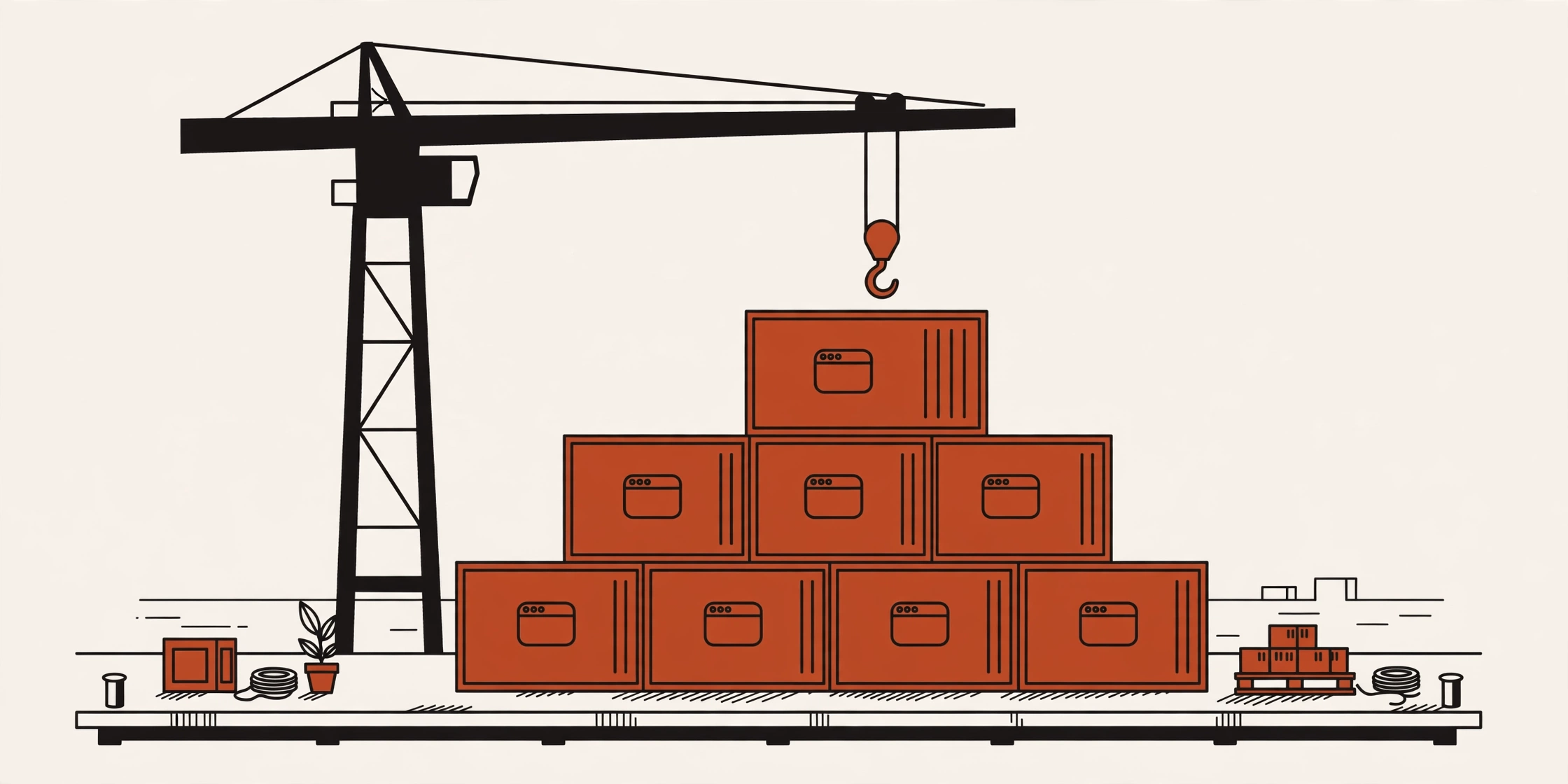
Think of Docker as a standard shipping container. Goods are packed into a sealed box with a common size and shape. The box is then carried by ship, truck, or train without being unpacked and rearranged. A Docker container works the same way: the app and everything it needs are packed into one standard unit. That unit keeps behaving the same wherever it runs.
In practice, a container holds the source code, libraries, tools, and settings of the app. Because the important parts already live inside the container, the app depends much less on what is installed on the host machine.
How Are Images and Containers Different?
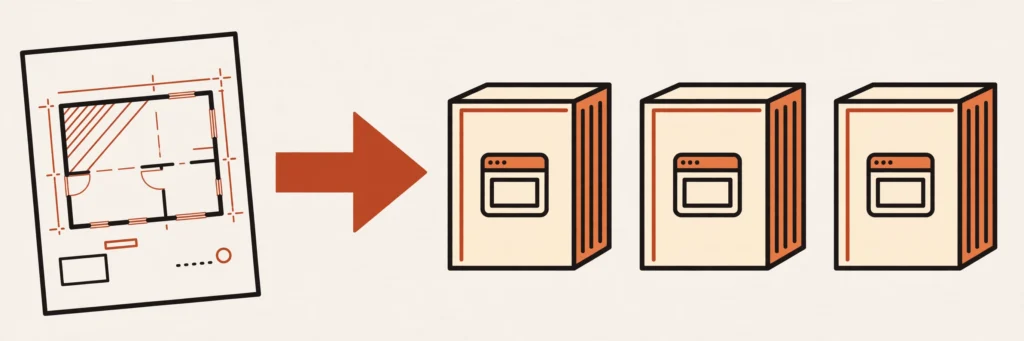
An image is the blueprint of the app, and a container is the running copy created from that image. The image is a read-only template with instructions for creating a container. A container is a running instance that you can create, start, stop, move, or delete.
You can think of the image as a recipe and the container as a dish cooked from it. One recipe can make many dishes, and each dish is its own copy. In the same way, one image can create many containers, and the containers run independently of each other.
When you delete a container, the original image stays intact and you can create a new container from it. When you change your app, you usually build a new image and then create containers from the updated image.
An image is the blueprint; a container is the running copy.
What Parts Make Up Docker, and How Do They Work Together?
You only need to know the four parts below to follow most Docker guides:
Docker Engine: the software that runs in the background on your machine. It includes the daemon (dockerd) that manages containers and the docker command-line tool you use to give it orders.
Dockerfile: a text file listing the steps for building an image, like a recipe you can read and edit.
Image: a read-only template built from a Dockerfile.
Registry: a place to store and share images. Docker Hub is the default public registry.
These parts form a familiar loop. You write a Dockerfile and build it into an image. If you want to share it, you push the image to a registry. Then you run a container from that image on any machine that has Docker. Each time you type a docker command, the command-line tool sends a request to the daemon to do the work.
When Should You Use Docker, and When Not Yet?
Take a familiar example: a website that runs with a database. Without Docker, you install each component on each machine, and each machine may end up with a different version. With Docker, the website and the database are two separate containers. They have the same versions and the same settings on the development machine, the test machine, and the real server.
Docker also helps new team members get started faster. They only need to install Docker, pull the images, and run the containers, instead of installing every tool by hand. If you want to try a new database version, you run a separate container. If it doesn’t work out, you stop and delete it, and your main machine is untouched.
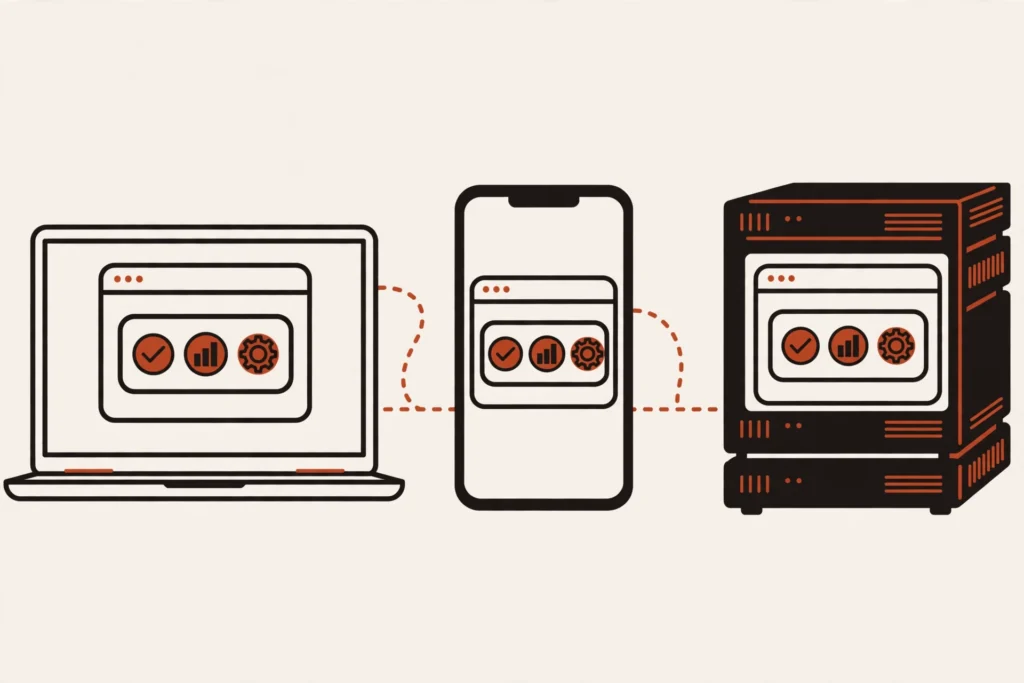
The same app running the same way everywhere.
So Docker is worth using when you have several environments, several apps, or a team. On the other hand, for a small website on a single server that rarely changes and has one person managing it, installing directly is usually simpler. You don’t need to learn another tool yet either. Come back to Docker when you start hitting errors caused by differing environments. Or come back when you need to experiment without cluttering your main machine.
Install Docker and Run Your First Container
Docker offers Docker Desktop for personal computers and Docker Engine for servers. See the official installation guide to pick the right one for your operating system.
Once it’s installed, check it by running a test container from the hello-world image:
docker run hello-world
This command downloads the hello-world image if your machine doesn’t have it, creates a container from it, and runs it. If Docker is installed correctly, the terminal prints a welcome message that starts with Hello from Docker!.
After you’ve run your first container, the next step is to understand the four foundational concepts in more depth. You can read What Are Image, Container, Volume, and Network in Docker? That article uses a few small commands to show how these concepts connect.
Frequently Asked Questions
Is Docker free?
It depends on where you use it. According to Docker’s documentation, Docker Desktop is free for personal use, education, and non-commercial open source projects. It is also free for small businesses with fewer than 250 employees and less than $10 million in annual revenue. Larger organizations need a paid plan. So read the terms that apply to your case before using it at a company.
How is Docker different from a virtual machine?
A virtual machine carries its own operating system and is strongly isolated. So it is usually heavier and slower to start. Linux containers on the same machine share the Linux kernel. So they are lighter and start faster, but their isolation is more moderate. Choose a virtual machine when you need strong isolation, and a container when you need light weight and speed.
Do you need to be good at Linux first?
No. You can start with Docker Desktop on Windows or macOS and pick up a few basic terminal commands as you go. Linux knowledge becomes useful as you go deeper. But it isn’t a prerequisite for getting started.
Does Docker replace Kubernetes?
No. Docker packages and runs individual containers. Kubernetes, on the other hand, manages many containers across many machines, including deployment, scaling, and recovery after failures. The two tools do different jobs and are often used together.
In the previous article, our small online shop had four jobs: accounts, products, cart and orders, and confirmation email. Suppose you have already split them into four services. Now a very practical question comes up. When a customer clicks “Place order”, how does the order service know the price of a product? And how does it...
Picture this: your laptop is at home, your phone is with you, and a server sits somewhere else. To open the server’s admin page from outside, you usually have to open a port on your router — which means configuring the router and leaving that port exposed to the internet. Tailscale skips that step: it connects...





Comments
You can use your Google account to comment. Google only shares your verified name and email address to display your name. You can log out at any time.
Sign in with GoogleNo comments yet. Be the first!